
The idea
Notes stay apart. You never switch.
Every note is its own file, and every file sits on one long roll. Getting to another note is just scrolling.
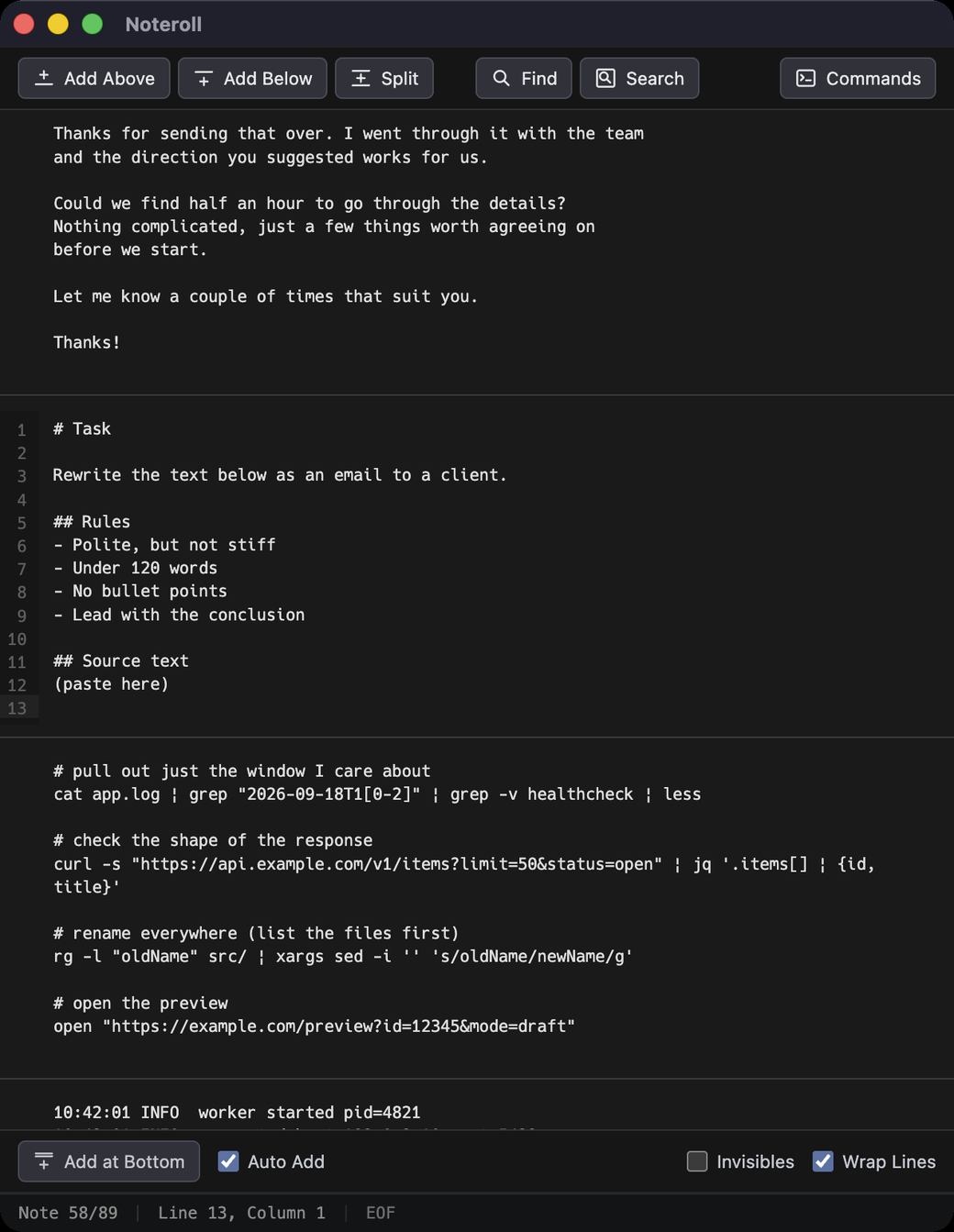
Nothing scattered
No tabs, no sidebar, no file list. Everything is on the roll.
Start writing straight away
Type anywhere on the roll. You are never asked for a title or a filename.
Saved automatically
Each note saves itself to a plain .txt file in a folder you chose.
Not just stacked
The notes really are separate
It scrolls as one, but the notes are independent.
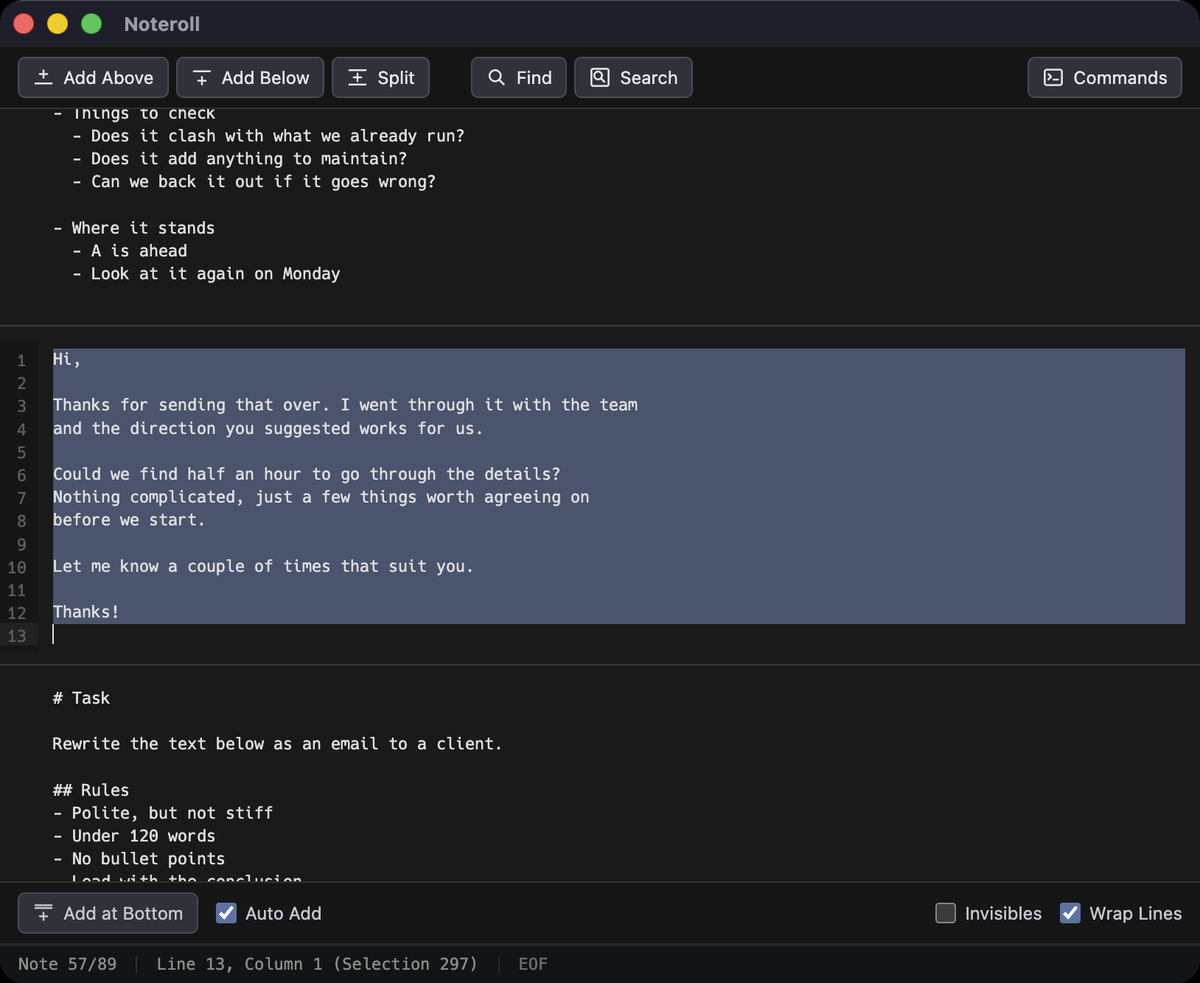
⌘A selects one note, not everything
Select All stops at the edges of the note your cursor is in. The notes above and below are untouched.
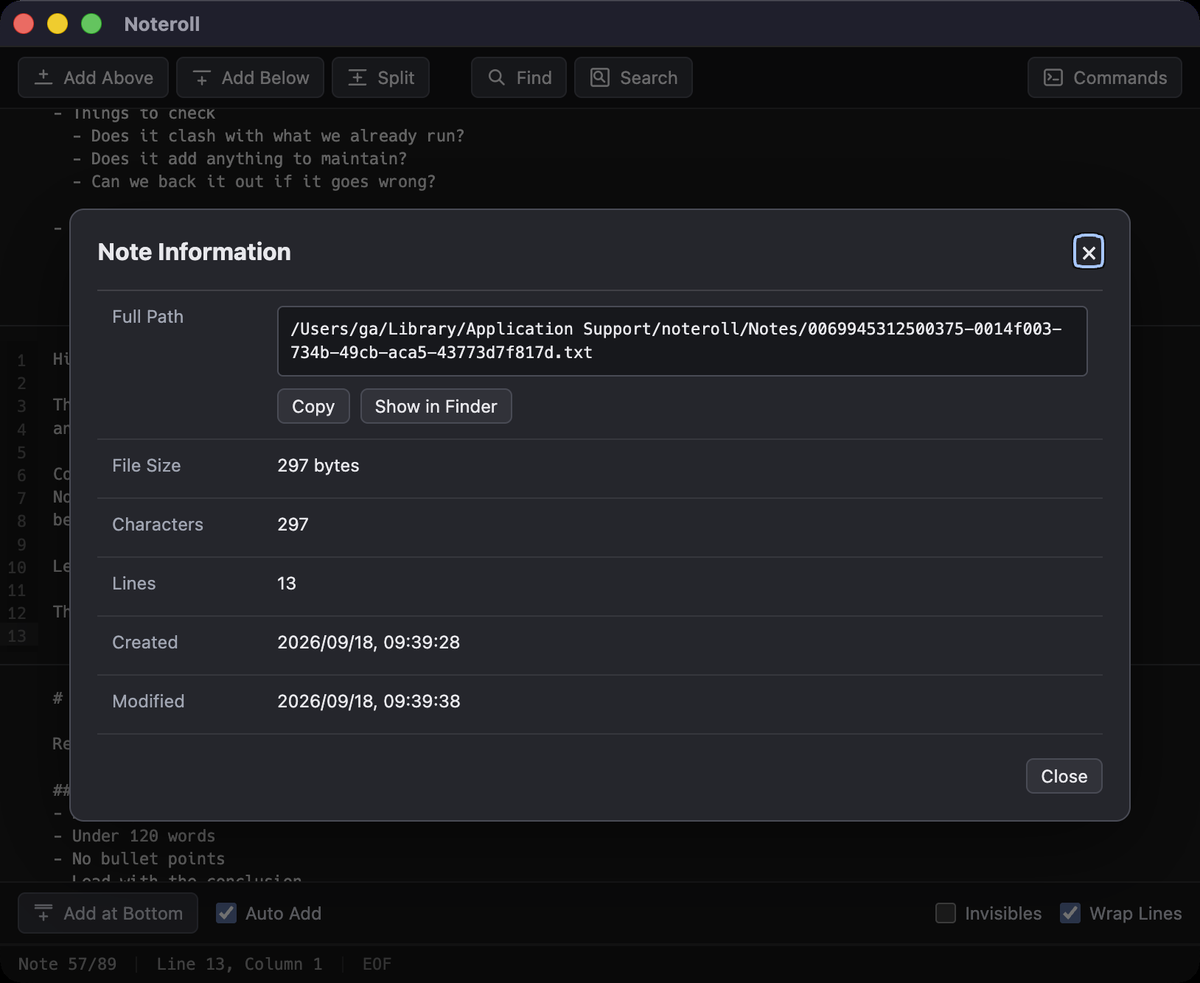
Each note keeps its own dates
Created and modified come from the file itself, so you can still tell when a thought was written.
What it is for
A workbench for text
Work on text here and it stays where you left it: a log of what you did, a place for work in progress, and an easy way to look back.
Drafting email and chat
Write it here and you will not send it by accident.
Writing prompts for AI
Every prompt you tried is still there, ready for next time.
Reworking text
Replace, reformat, or pipe it through a shell command.
Building commands and URLs
Put together a long, fiddly one-liner somewhere it will not vanish.
Reading something long
Paste it in and read at the size and spacing you like.
Somewhere to park a paste
Paste it and move on. It is still there tomorrow.
Reading through logs
Paste, wrap the lines, and search for what matters.
Filling in a form
For when the web form is too small. There is a character count, too.
Any text work at all
Leave it running and bring every bit of text work here.
If you read this far
It is a real text editor underneath
Everything you would expect from a text editor is here.
Editing
- Multiple cursors
- Find and replace, regex too
- Search every note at once
- Go to line
Notes
- Add above, below, or at the bottom
- Split one note in two
- Note info and dates
- Reveal the file in Finder
Text
- Show invisible characters
- Wrap long lines
- Character info, Unicode
- Tab indent, tab or spaces
Shell commands
- Run a command on the spot
- Register commands by name
- Selection in, output back
- No selection inserts at the cursor
In and out
- Import text, encoding detected
- Export a note to a file
- Hotkey grabs another app's input field
- Saved as .txt, UTF-8, LF
Appearance
- Any macOS font and size
- Line height
- Text, background, selection colors
- Light or dark